
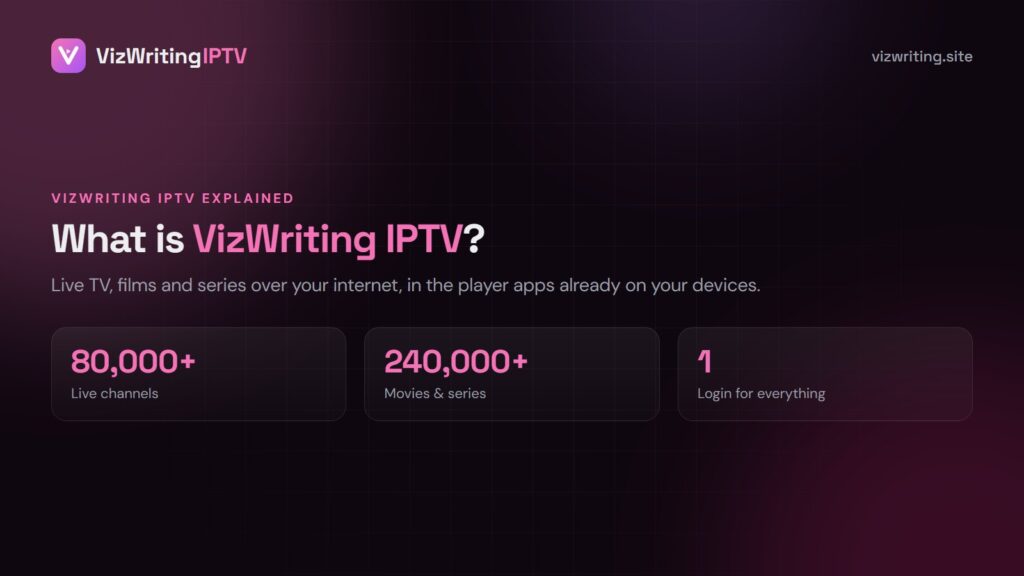
VizWriting IPTV is an internet TV subscription. Instead of a cable box or a satellite dish, the channels travel over your broadband and play inside an app on your TV, stick, phone or computer. One login opens 80,000+ live channels, 240,000+ films and series and a 7-day TV guide.
How IPTV reaches your screen
- Broadcasters’ channels are received and encoded into streams.
- Servers deliver those streams over the internet.
- Your player app (IPTV Smarters, TiviMate, IBO Player…) signs in with your login and plays the channel you pick.
What your VizWriting IPTV login contains
| Format | Used in |
|---|---|
| Xtream Codes (server, username, password) | Most apps — recommended |
| M3U link | Playlist-only apps and VLC |
| MAG portal | MAG and Formuler boxes |
Swipe the table sideways to see every column.
What you need at home
- A device: Fire TV Stick, Android TV, Smart TV, Apple TV, iPhone, MAG or a computer.
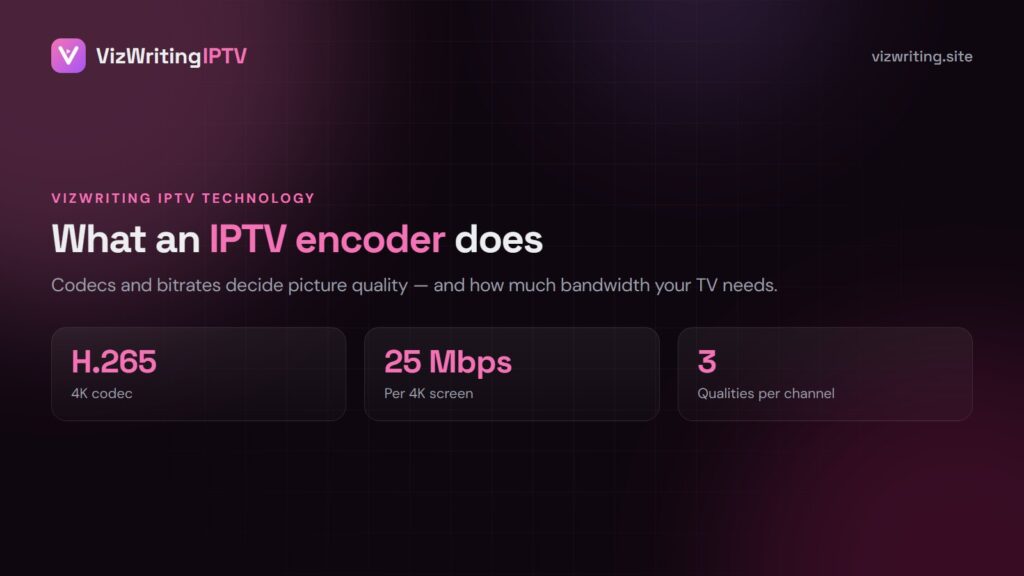
- About 15 Mbps per screen for FHD, 25 Mbps for 4K.
- A player app — most are free.
VizWriting IPTV vs cable
| VizWriting IPTV | Cable | |
|---|---|---|
| Year cost | $80 for 13 months | $1,000+ |
| Channels | 80,000+ from 60+ countries | 200–500 |
| Contract | None | 12–24 months |
| Works without internet | No | Yes |
Swipe the table sideways to see every column.
Frequently asked questions
Is VizWriting IPTV an app?
No, it is a subscription. It works inside standard IPTV player apps on each device.
Do I need a box?
Not if your TV or stick can install a player app. Older TVs can use a Fire TV Stick.
Can I watch abroad?
Yes, your login works wherever you have a good internet connection.
Want to see it? The trial runs on your own device. See the VizWriting IPTV plans or ask for the free trial.
Ready to try VizWriting IPTV?
80,000+ channels in 4K, activation in minutes, a 7-day money-back window.
Leave a Reply